Usage Tips
Nothing on this page is filler. If you want MCAStar to run smoothly, every point below matters.
Prepare Presets Early
Any Host / MC who is still adjusting presets after the livestream has already started will almost certainly make mistakes in that session.
After Switching Live Rooms, Confirm the Room and Preset Immediately
MCAStar settings are bound to live rooms, so when you switch rooms, do not check only the User name field. Make it a habit to open Team Setting and confirm the Cast Setting.
Before Changing Computers, Confirm the Device-Change Requirements First
The license can be transferred, but the exact requirements and steps are explained on the Change Device page. Read it before preparing the replacement machine, so you do not discover too late that the current conditions are not met.
Widgets in Broadcast Tools
When a widget displays incorrectly, the cause is often not a gameplay configuration mistake, but an unsuitable widget size or mounting method.
- After clicking
Copy Widget Link, write down the width and height suggested by the system. - Do not manually edit the widget URL.
- Before going live, use
Previewonce to check whether the layout feels crowded, blocked, or offset.
If collection is working normally inside MCAStar but the widget in Live Studio or OBS is not moving, it is usually better to copy the link again and add the widget again than to rebuild the whole preset first.
Backup
In some regions, Windows may mistakenly treat the MCA widget URL as a risky URL. For that reason, every Copy Widget Link button in MCAStar has a Backup button beside it that provides another URL with the same function.
If Collection Fails, Check System Protection and Antivirus First
If collection fails, also check the system protection and antivirus status on the broadcast PC. Common cases include Windows protection not being fully disabled, or third-party security software intercepting the collection process, such as 360, Tencent PC Manager, or McAfee.
Check in this order:
- If the broadcast PC has
360orTencent PC Manager, close it first and try collection again. - If collection still fails, consider disabling security software such as
McAfee, then try again. - If it still fails, turn off Microsoft Defender real-time protection in Windows.
While these tools are turned off on a dedicated broadcast PC, also avoid installing software from unknown sources on that PC, so you do not introduce new security risks or system interference.
View the User Ranking
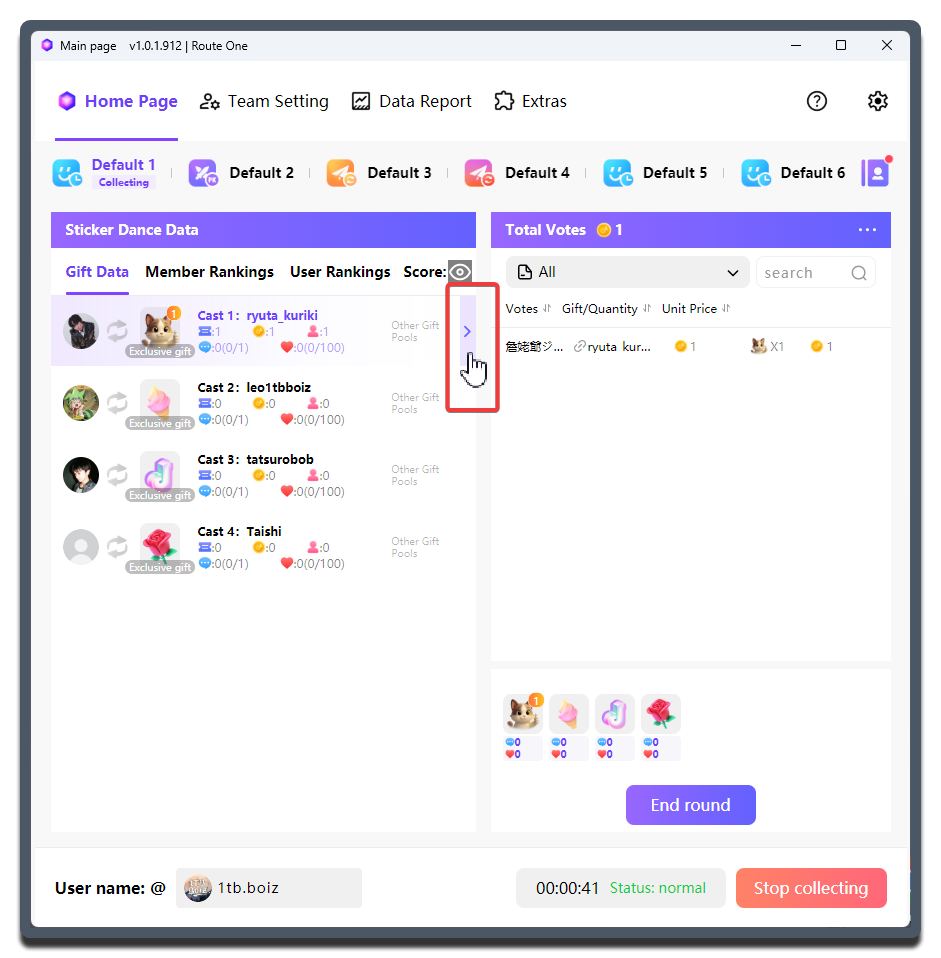
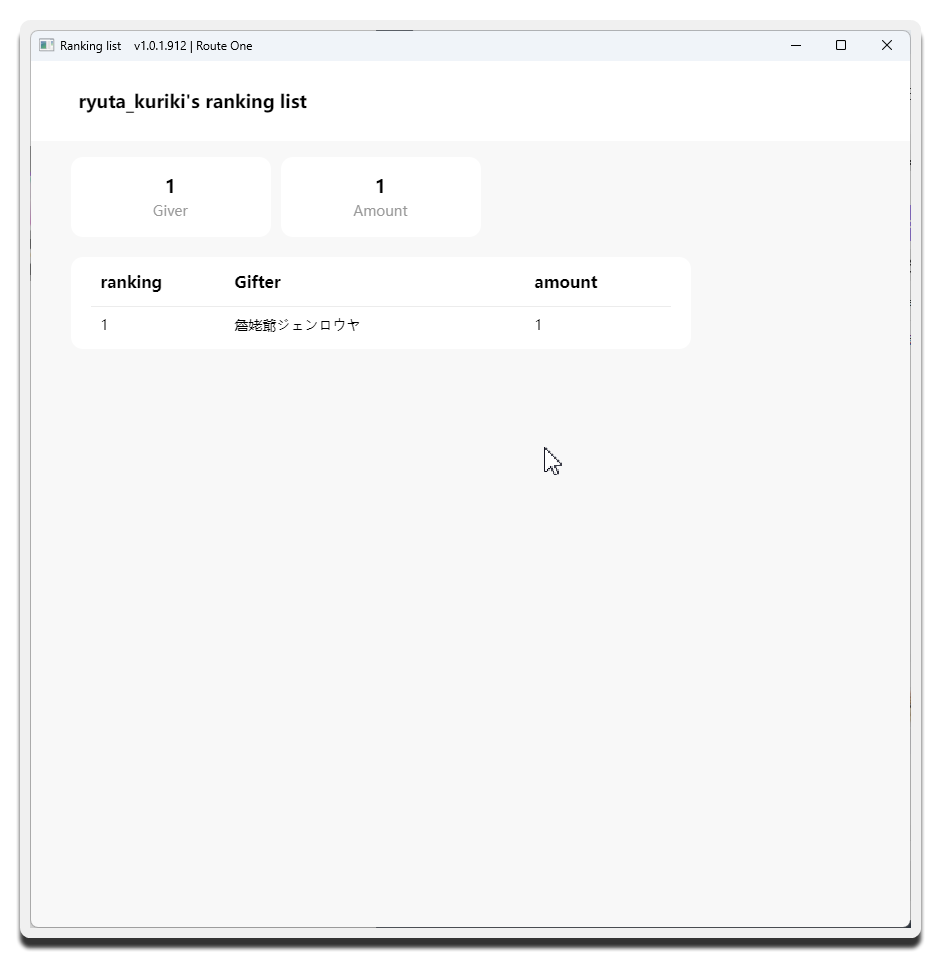
During a mode, MCAStar provides convenient entry points near Creator-related data so you can view the audience ranking for a specific Creator.
Using Sticker Dance as an example:
1 Gift Binding Mode
MCAStar pioneered the 1 Gift Binding Mode mechanism in the industry. It greatly increases viewers' willingness to send gifts and makes the live room feel richer.